Your app's growth agent.
It researches what's working, makes short TikTok and Instagram posts about your app, checks them, then reads the numbers and fixes what's weak. It writes your App Store listing copy too. You decide what goes out.
Nurit is early. It was built to grow Zyptova, an iOS app made by the same person, and it is running there now. Zyptova's results aren't in yet, so we show none. Every chart on this page is an illustration.
Illustration with sample data. Not real results.
2Step 2
It studies what's working.
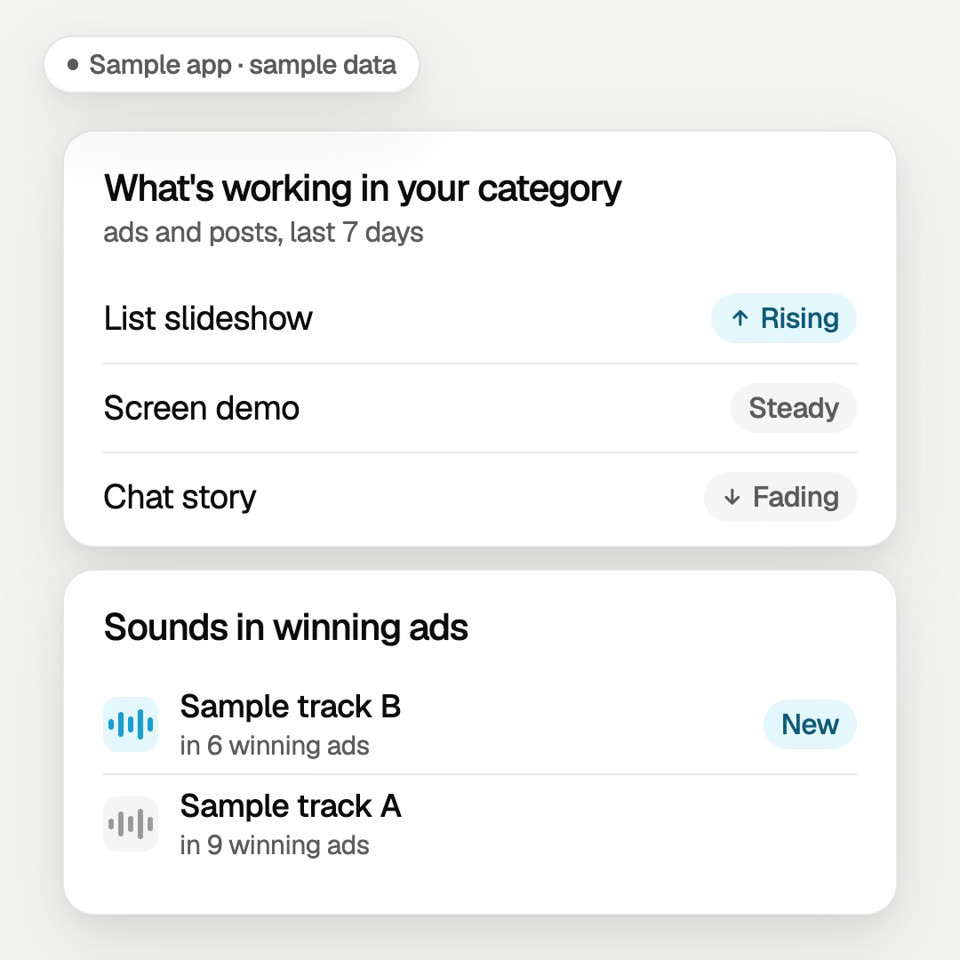
Nurit follows which ad and post formats are rising or fading in your app's category, and which sounds the winning ads use.
A list of formats in a sample app's category: List slideshow turns from Steady to Rising, Chat story from Steady to Fading. A new sample sound joins the list of sounds in winning ads. Sample data, not real results.
Illustration with sample data. Not real results.
3Step 3
It makes the posts.
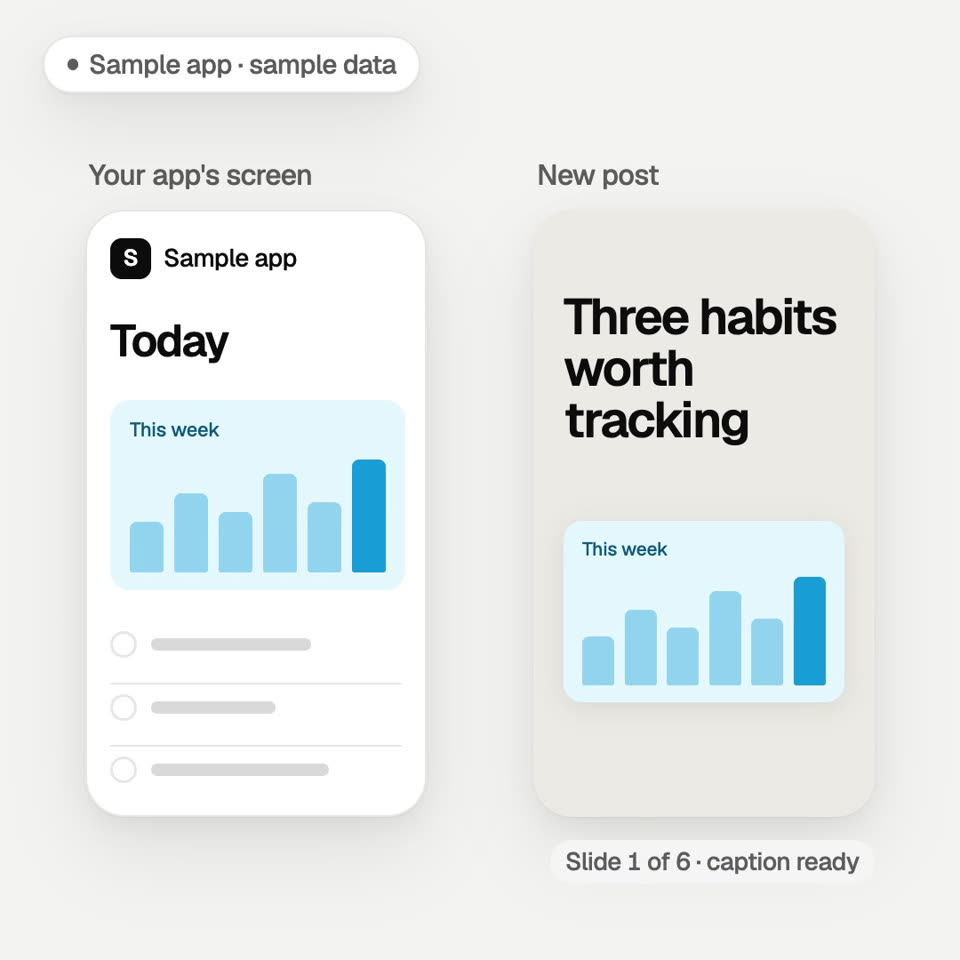
Short TikTok and Instagram videos and slideshows about your app, in your app's voice, with a caption and hashtags. 2 new posts a day.
A card from a sample app's screen lifts out and lands in an empty post, the hook appears above it, and the post shows slide 1 of 6 with the caption ready. Sample data, not real results.
Illustration with sample data. Not real results.
4Step 4
It checks every claim.
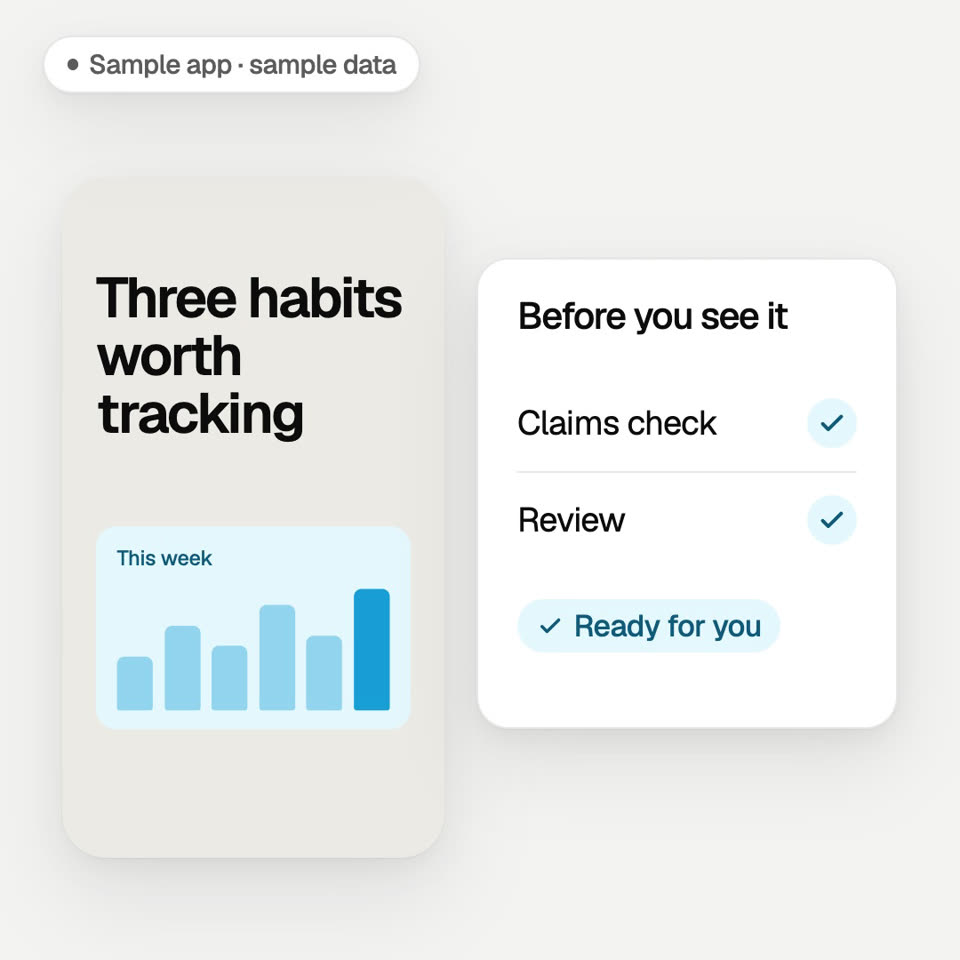
Every post passes a claims check and a review before you see it.
Beside a finished sample post, the claims check passes, then the review passes, and the post turns Ready for you. Sample data, not real results.
Illustration with sample data. Not real results.
5Step 5
You approve. It picks the time.
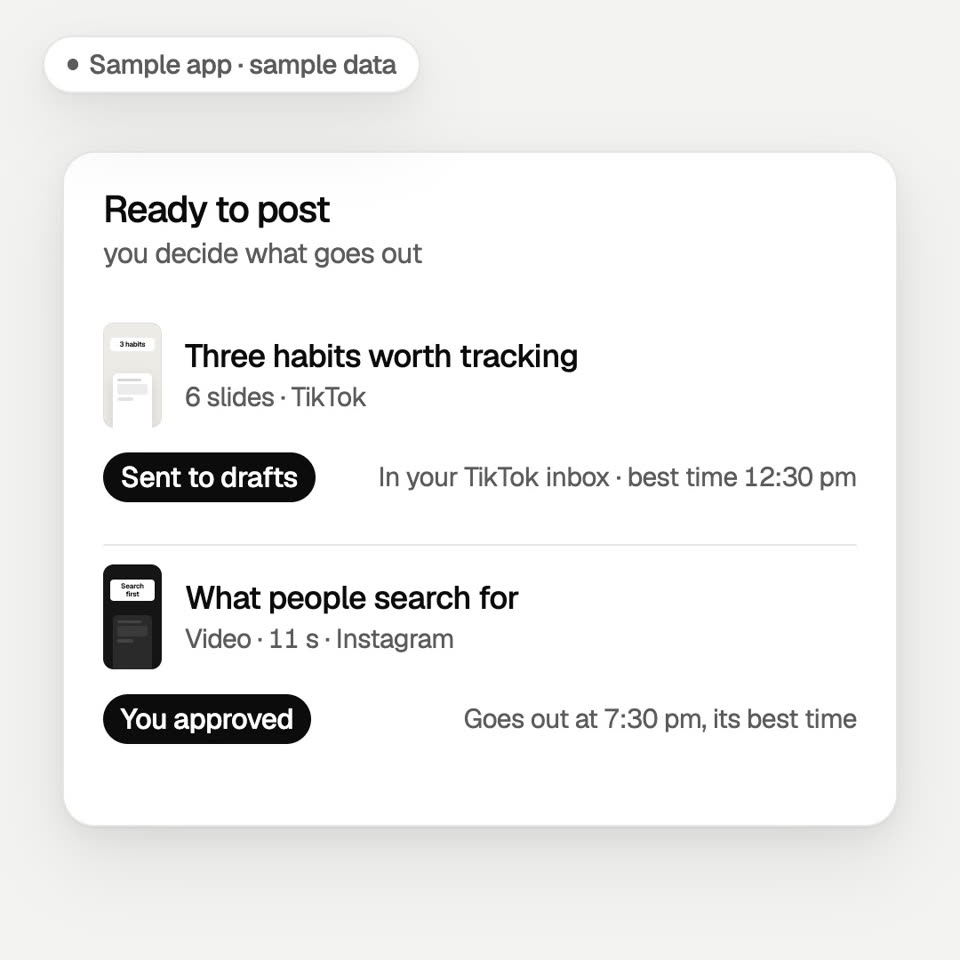
You decide what goes out. On TikTok, posts arrive in your inbox as drafts and you tap Post. On Instagram, a post goes out at its time after your OK, once Instagram approves Nurit for your account.
In a Ready to post list, a TikTok post turns Sent to drafts, in your TikTok inbox with a best time of 12:30 pm. Then an Instagram post turns You approved, going out at 7:30 pm. Sample data, not real results.
Illustration with sample data. Not real results.
6Step 6
It watches App Store searches after each post.
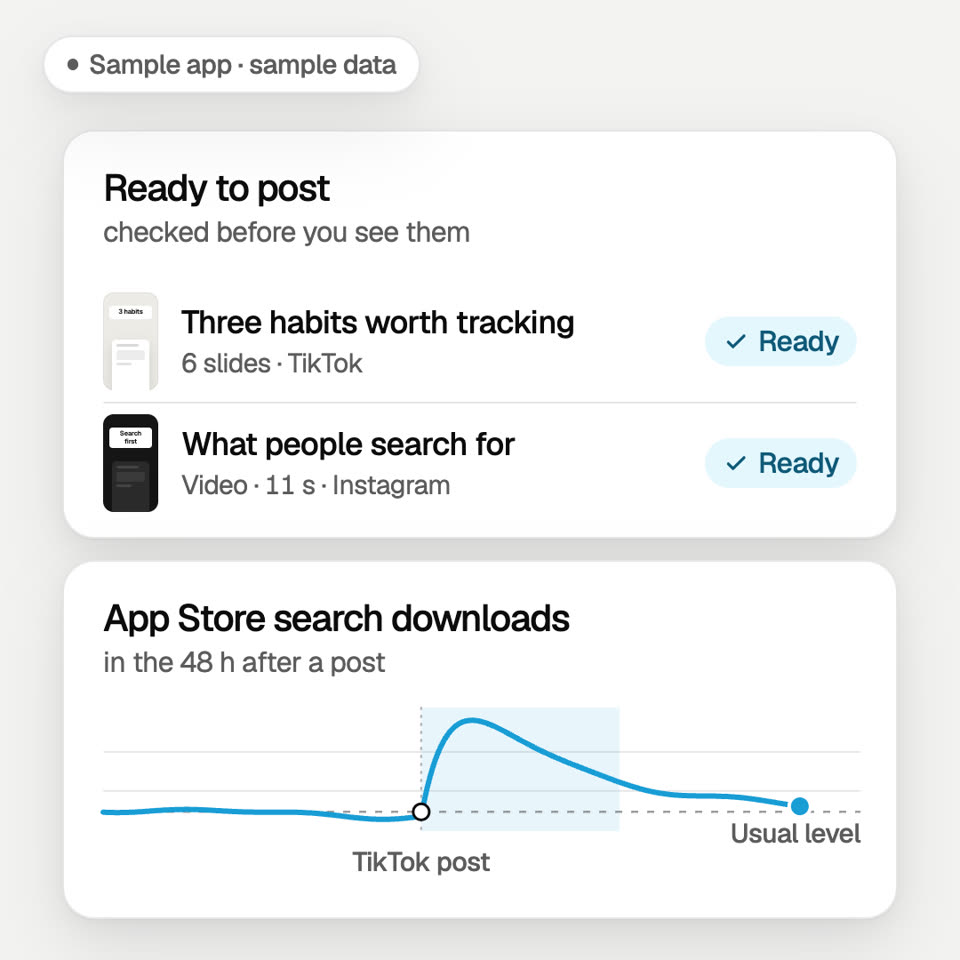
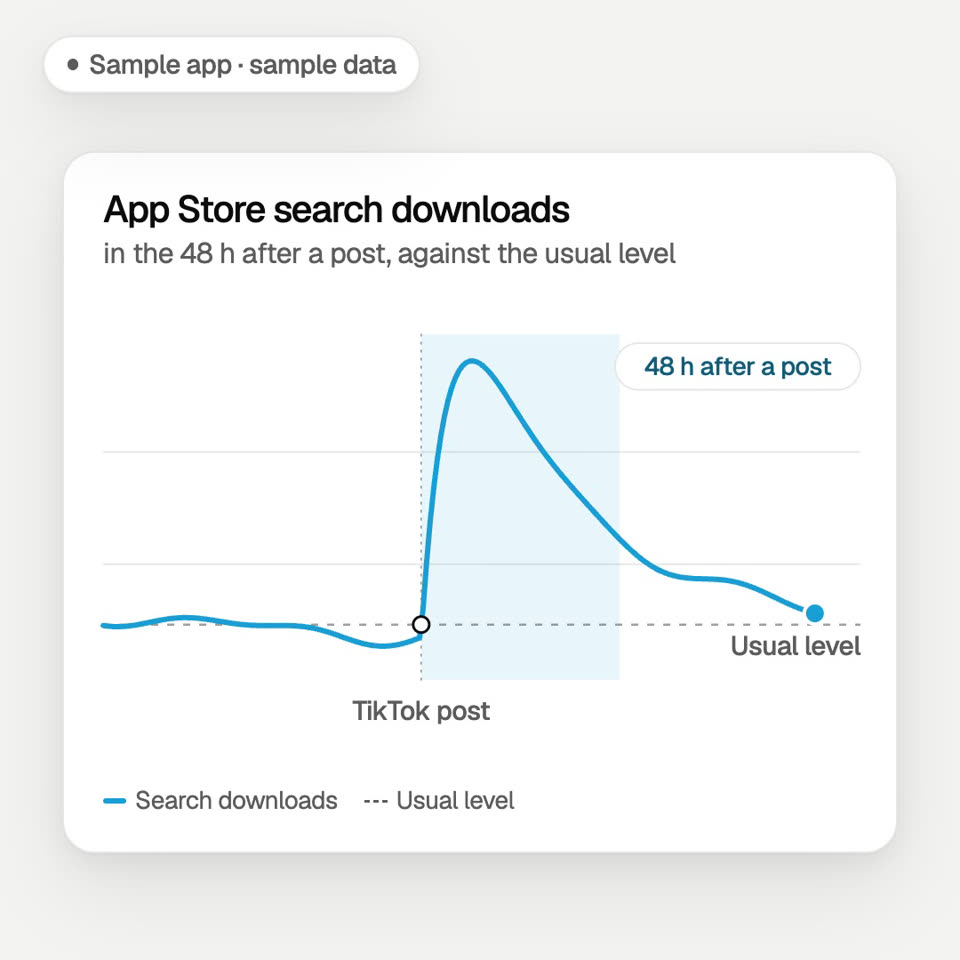
Your App Store search downloads in the 48 hours after each post, next to your usual level. It shows timing, not proof that one post caused it.
A chart line of App Store search downloads runs along the usual level, rises in the 48 hours after a TikTok post and eases back. A label marks the 48 hours after a post. Sample data, not real results.
Illustration with sample data. Not real results.
7Step 7
It fixes what's weak, and learns what wins.
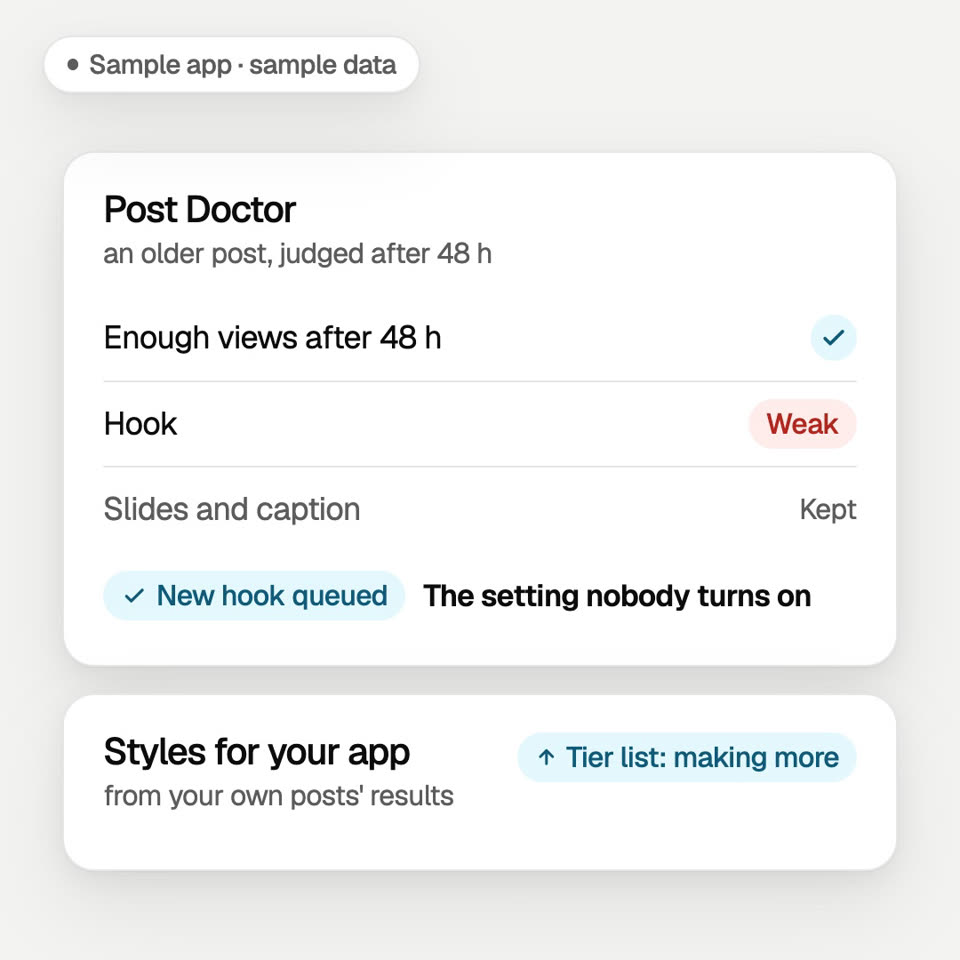
Once a post has enough views, Post Doctor finds the first weak step (hook, slides or caption) and remakes only that part. Your own results decide which styles Nurit makes more of.
Post Doctor checks an older post after 48 hours: enough views, the hook is weak, the slides and caption are kept, and a new hook is queued. Then a style for the app turns from testing to making more. Sample data, not real results.
Illustration with sample data. Not real results.
8Step 8
It writes your App Store listing copy.
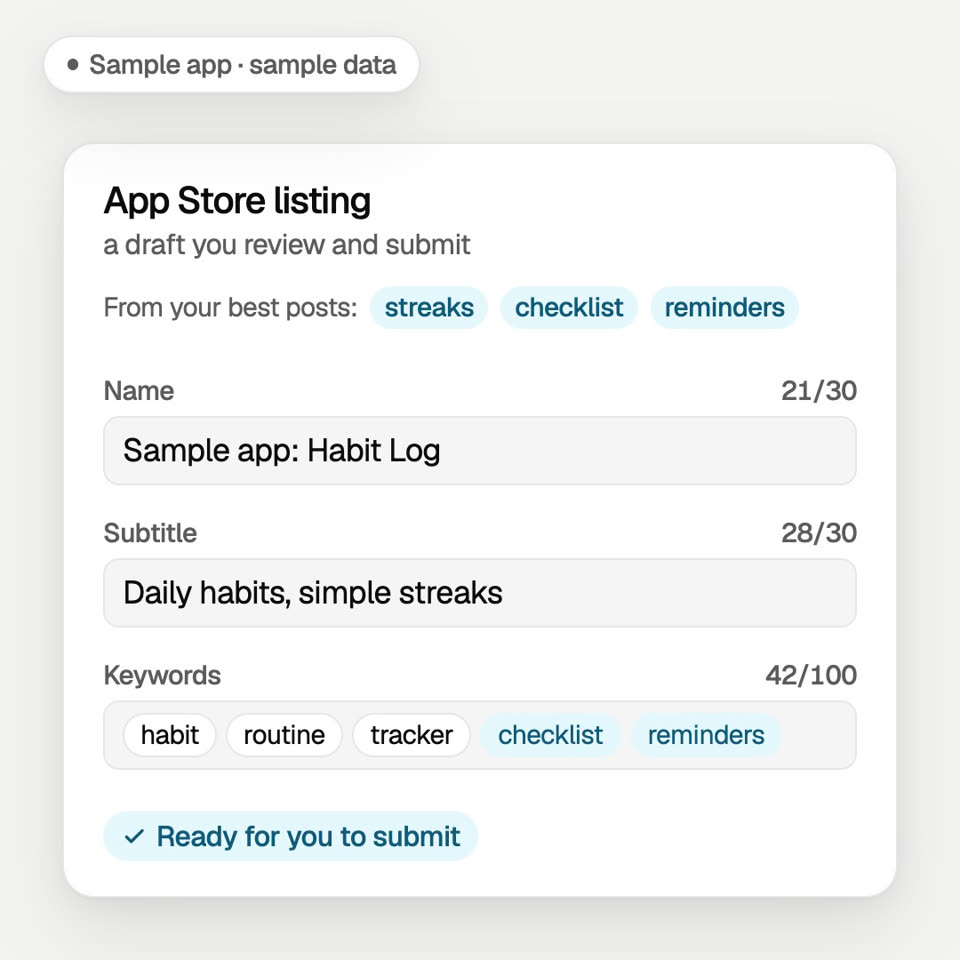
Name, subtitle and keywords, written from the words that work in your posts. You review the draft and submit it.
Running on Zyptova now; coming to other apps.
An App Store listing draft for a sample app: the subtitle is rewritten, two keywords from the best posts are added, and the draft is marked ready for you to submit. Sample data, not real results.
Illustration with sample data. Not real results.
9Step 9
Run it by text.
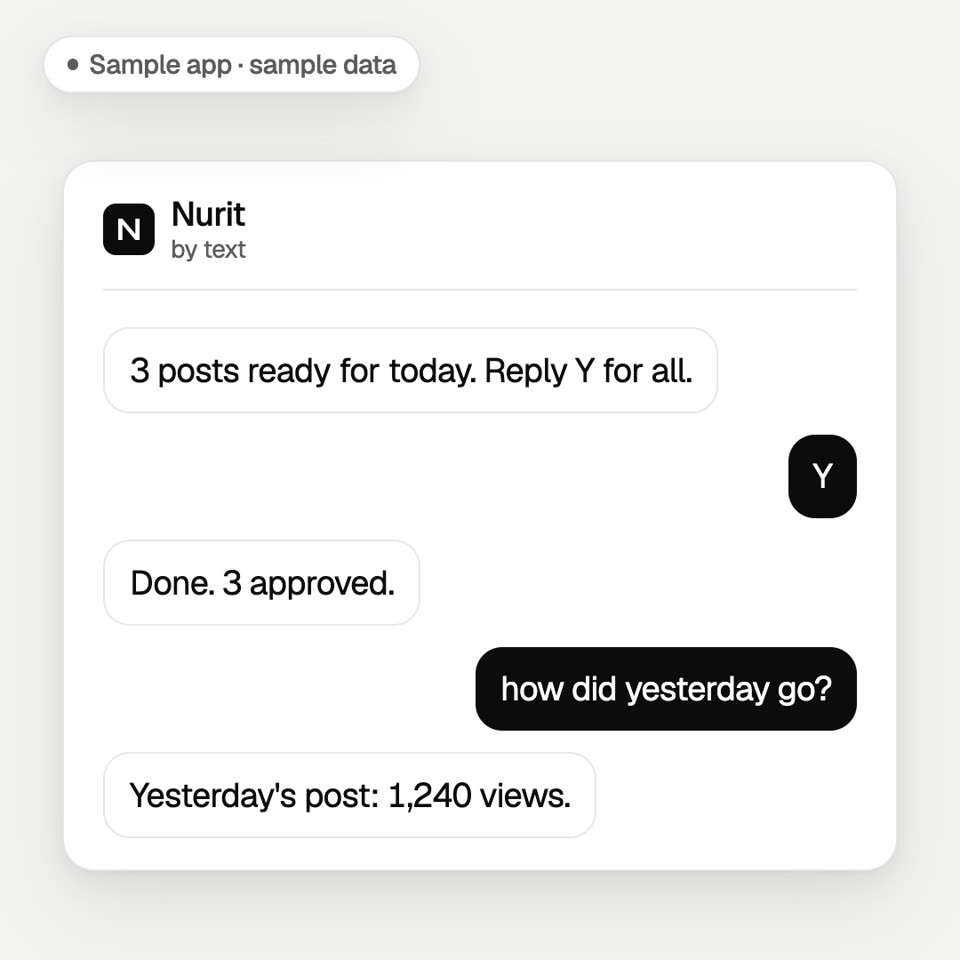
Each morning Nurit texts you the day's posts. Reply Y to approve, or skip one by number. Ask how yesterday went and it answers from your numbers.
Running on Zyptova now; coming to other apps.
A text chat with Nurit. Nurit: 3 posts ready for today. Reply Y for all. You: Y. Nurit: Done. 3 approved. You: how did yesterday go? Nurit: Yesterday's post: 1,240 views. Sample data, not real results.
Illustration with sample data. Not real results.